Your PDF. A book. One link.
Ribbonpage turns a PDF into a link that opens as a book people flip through in their browser.
or drop it here
Free for 7 daysNo sign-upUp to 200 pages
From PDF to link in three steps
-
Choose a PDF
Its pages become pictures on your device.
-
It becomes a book
We suggest a name and link. Change them if you like.
-
Share one link
On WhatsApp, by email or on your website.
 PDF
Made for pages people turn
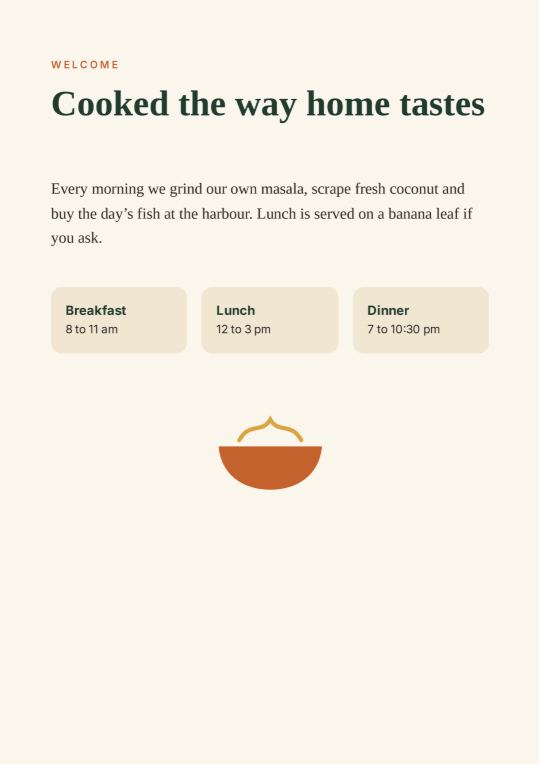
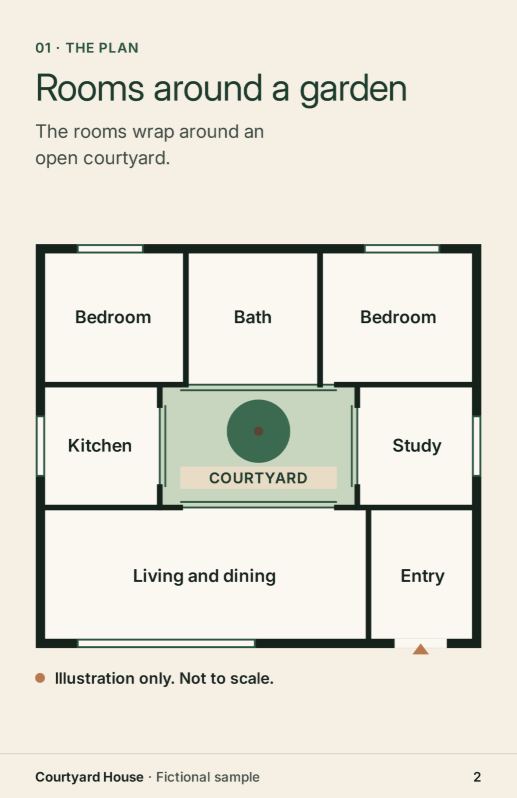
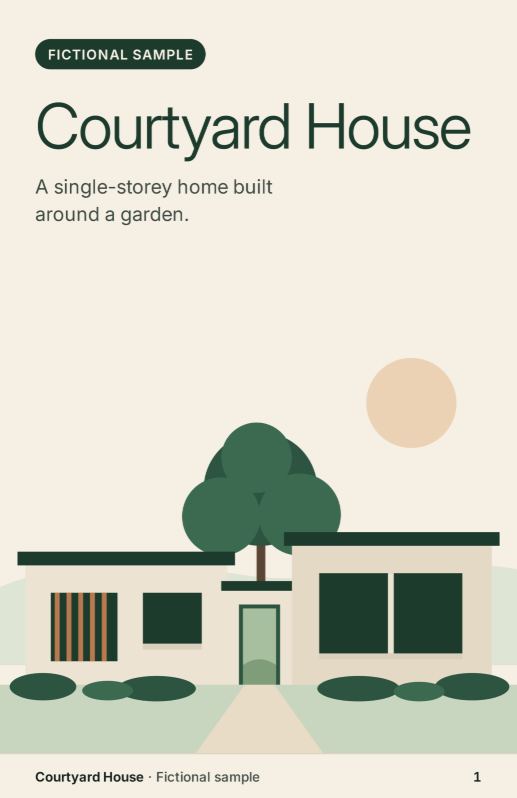
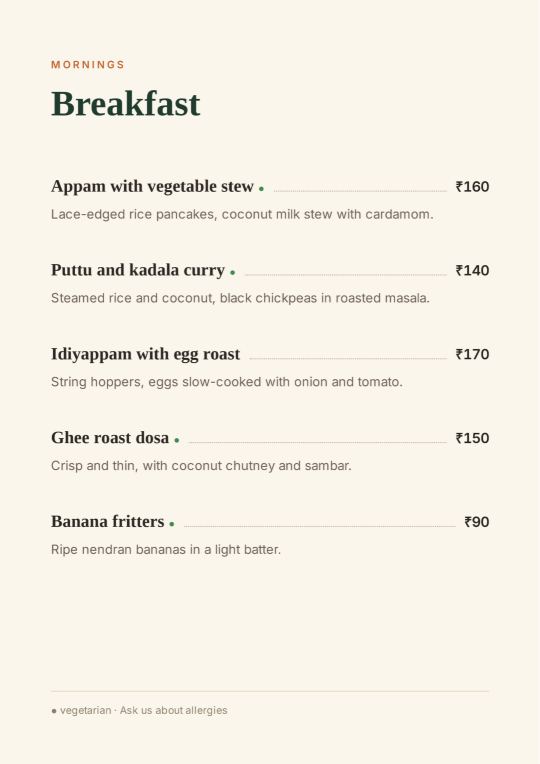
Both examples are made up. Catalogues and programmes work the same way.
Before you share
- Free for 7 daysCounted from when you get the link.
- Anyone with the linkcan open the book and send it on.
- New PDF, new linkA changed PDF makes a new book.
Questions
Do I need an account?
No. My books lists the books made in this browser. Clearing your browser data can remove your access to them.
Do readers need an app or account?
No. They open your link in their phone, tablet or computer browser.
What happens after 7 days?
The book is no longer online. Its link shows a page that says so. You can make it again from the same PDF, with a new link.
What is stored, and who can see it?
We store pictures of the pages and their text, not your PDF file. Anyone with the link can open the book while it is online, and pass the link on.
Can I replace the PDF after sharing it?
No. A shared book keeps its pages. Make a new book from the new PDF and share its new link. You can still rename the old book, or delete it, from My books in the browser that made it.
How big can my PDF be?
Up to 200 pages and 100 MB. Stay online while the pages are saved.
Can I print the link or a QR code?
QR downloads are not available yet. Free books end after 7 days, so share their links in messages rather than printing them.